Your comfort is important to us!
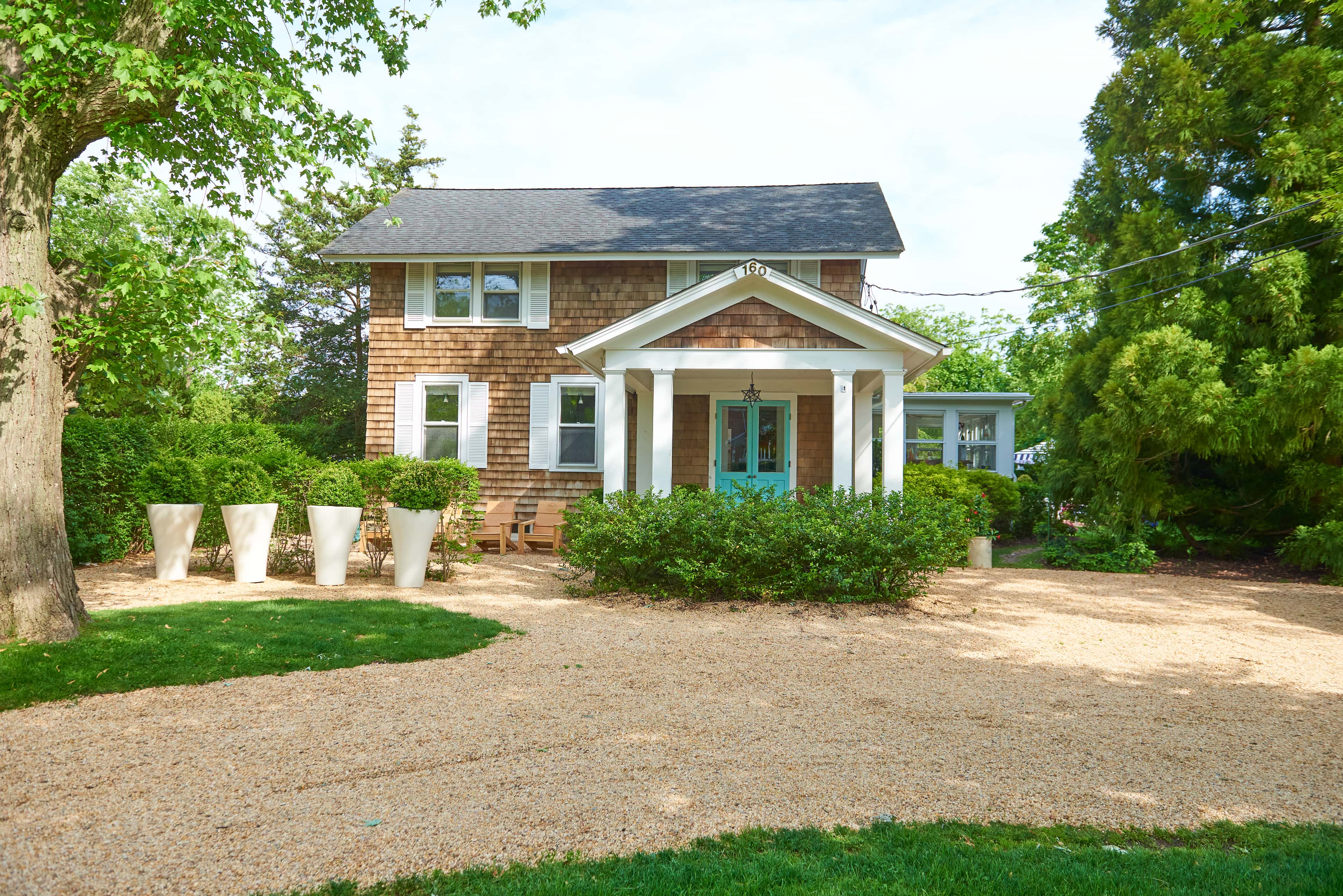
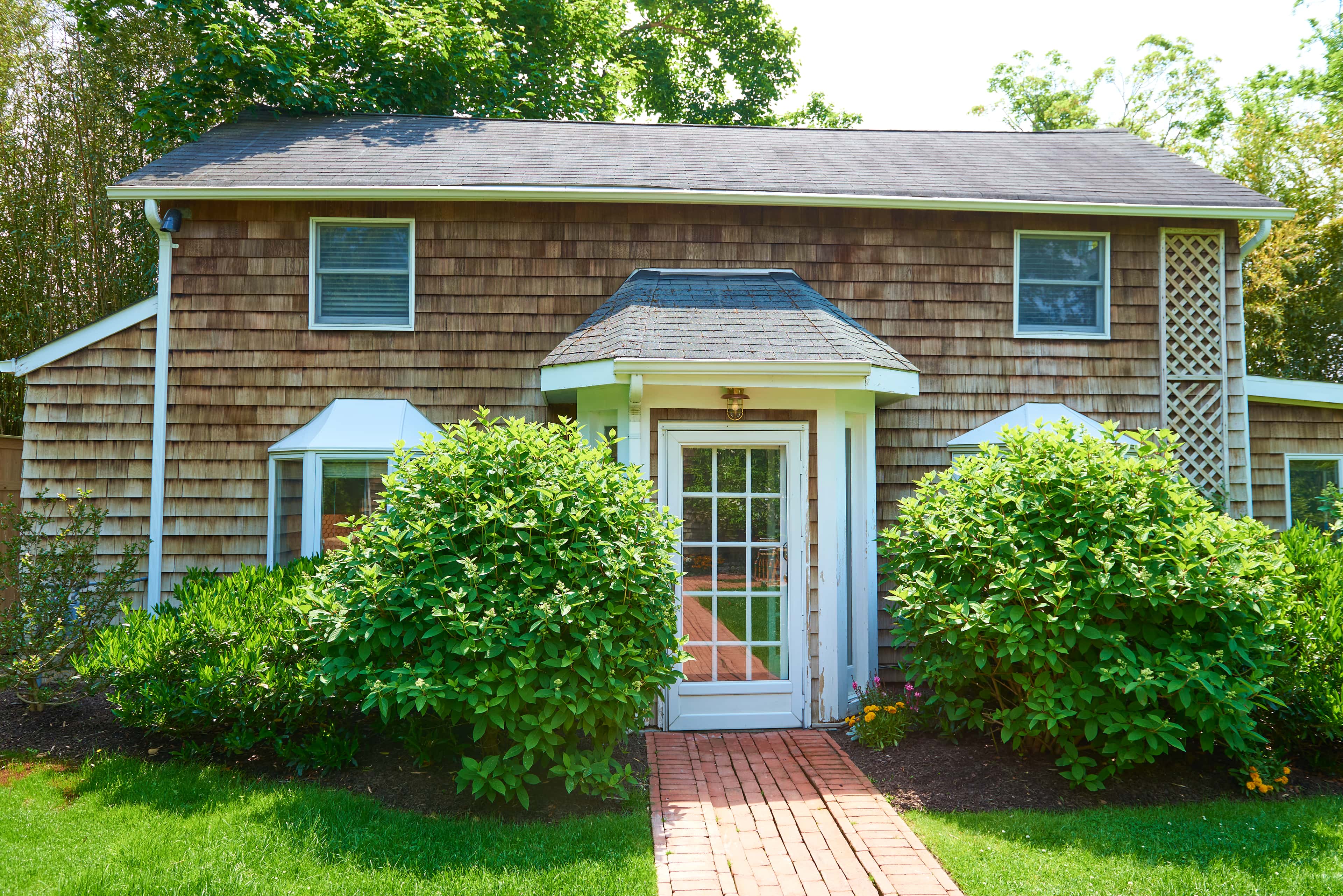
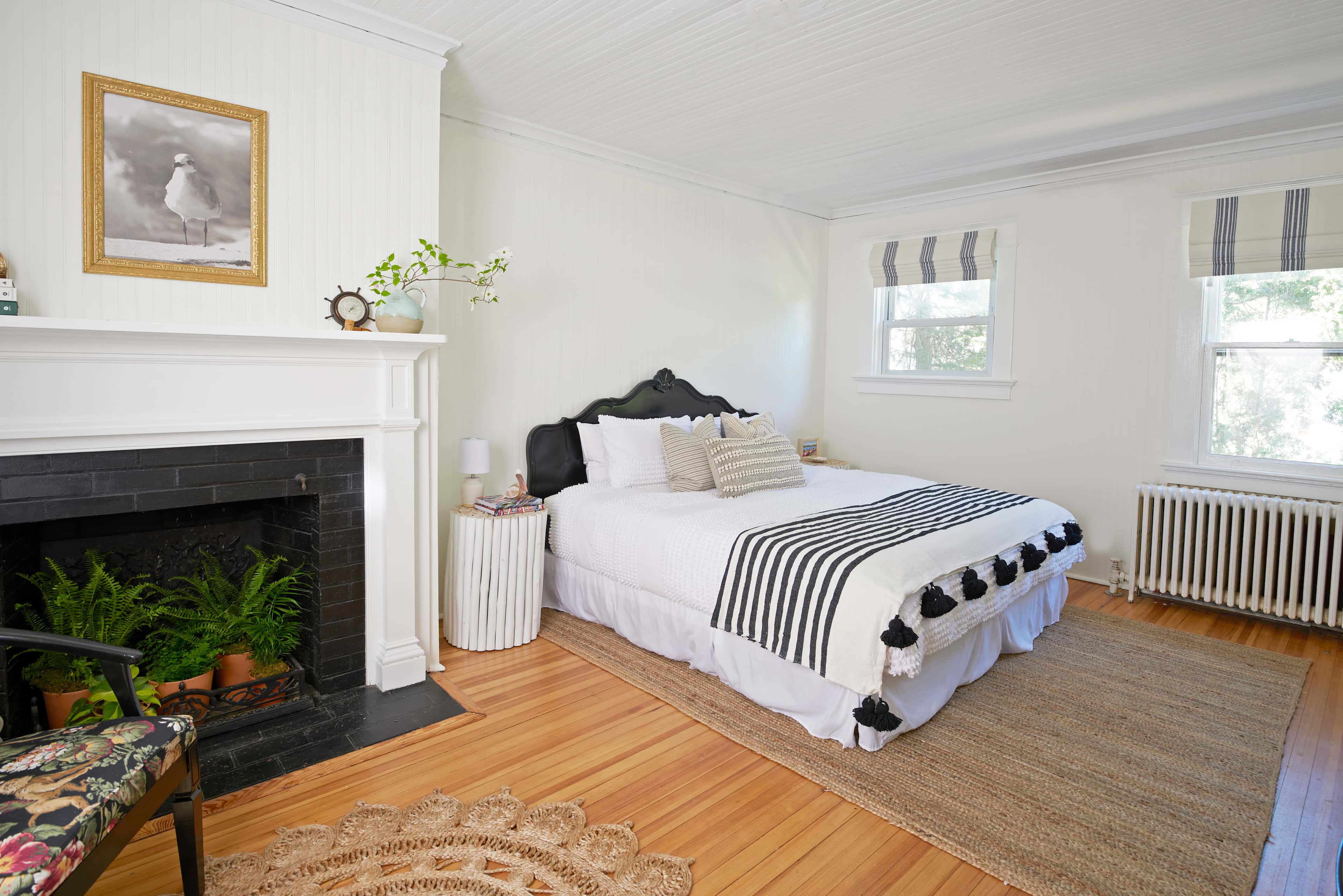
The Main House has a central heating system which controls the radiators in the Main House and the Garden Suite - the thermostat is located in the dining room. The Main House also has a living room AC system - please utilize the remote on the wall next to the fireplace. The Cottage is equipped with its own heating and AC system - the panel is located next to the bathroom.
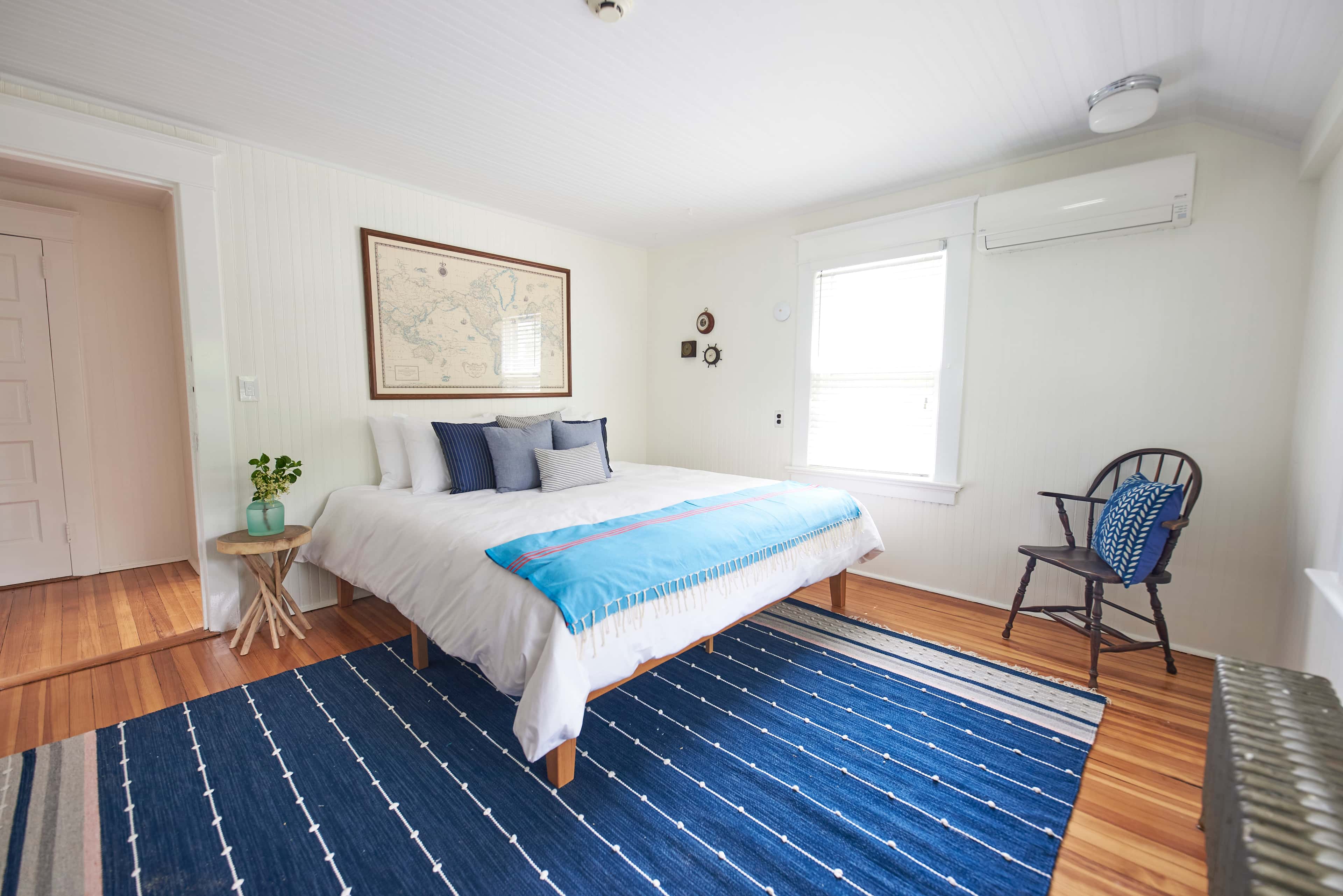
Each Room in the Main House and in the Garden Suite is also outfitted with a mini split for Air Conditioning and additional heating if needed. Please note the Crow's Nest has its own Heat and AC system controlled by the panel on the wall next to the bathroom.
Directions for using the Mini Splits AC and Heat Remote Controls:
Step 1: Power On/Off
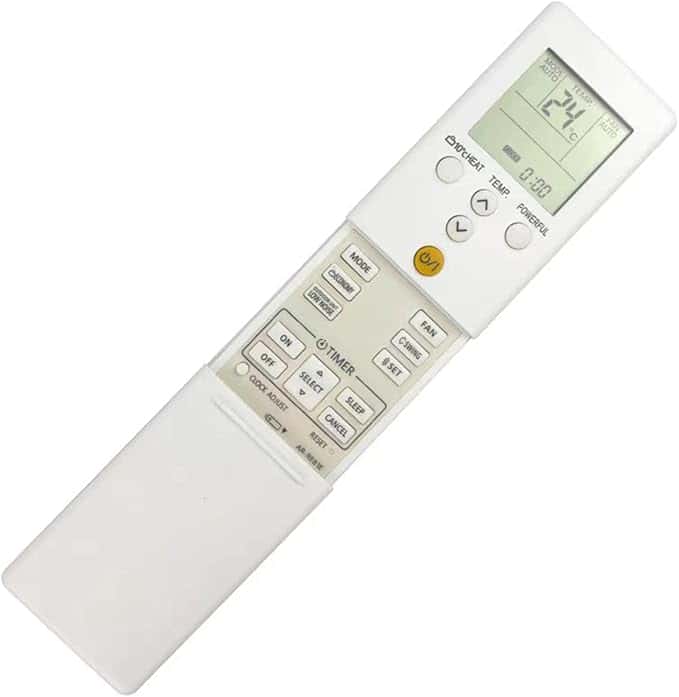
Locate the yellow power button on the remote.
Press it once to turn the unit on or off. You will hear a beeping sound and the louvers will open.
Step 2: Select Operating Mode
Slide the panel down to reveal the Mode Button. Use the Mode button to cycle to Heat or Cool.
Press the button repeatedly to cycle through the modes until you reach your desired setting.
Please Note that if the air temp outside is too cold, the AC will not run.
Step 3: Adjust Temperature
Use the temperature up/down buttons.
Set the desired temperature by pressing these buttons. At the beginning, the motor will operate at a slow speed to warm up the equipment for to 3 to 5 minutes.
Step 4: Fan Speed and Direction
Adjust the fan speed with the Fan button to select low, medium, high, or auto.
Use the Swing button to control the direction of the air flow, either fixed or oscillating.
***At the beginning of the operation, the indoor unit fan rotates at very low speed for 3-5 minutes. After 5 minutes have passed, if the unit is not yet blowing air but the lights are on and the louvers are open, select the POWERFUL button to force the bower on.***
Step 5: Advanced Features
Timer Settings: Use the Timer button to set automatic on/off times.
Eco or Sleep Mode: Activate energy-saving modes with the corresponding buttons
Reset:
If the remote isn’t functioning correctly, remove the batteries, wait a minute, and replace them to reset.
Always point the remote directly at the indoor unit's sensor.
Printed Directions Are Available in Your Room.
Questions?
Please reach out to our team for assistance via phone or text - we can set a specific mode and temperature remotely on most of the units.
Your comfort is important to us!
The Main House has a central heating system which controls the radiators in the Main House and the Garden Suite - the thermostat is located in the dining room. The Main House also has a living room AC system - please utilize the remote on the wall next to the fireplace. The Cottage is equipped with its own heating and AC system - the panel is located next to the bathroom.
Each Room in the Main House and in the Garden Suite is also outfitted with a mini split for Air Conditioning and additional heating if needed. Please note the Crow's Nest has its own Heat and AC system controlled by the panel on the wall next to the bathroom.
Directions for using the Mini Splits AC and Heat Remote Controls:
Step 1: Power On/Off
Locate the yellow power button on the remote.
Press it once to turn the unit on or off. You will hear a beeping sound and the louvers will open.
Step 2: Select Operating Mode
Slide the panel down to reveal the Mode Button. Use the Mode button to cycle to Heat or Cool.
Press the button repeatedly to cycle through the modes until you reach your desired setting.
Please Note that if the air temp outside is too cold, the AC will not run.
Step 3: Adjust Temperature
Use the temperature up/down buttons.
Set the desired temperature by pressing these buttons. At the beginning, the motor will operate at a slow speed to warm up the equipment for to 3 to 5 minutes.
Step 4: Fan Speed and Direction
Adjust the fan speed with the Fan button to select low, medium, high, or auto.
Use the Swing button to control the direction of the air flow, either fixed or oscillating.
***At the beginning of the operation, the indoor unit fan rotates at very low speed for 3-5 minutes. After 5 minutes have passed, if the unit is not yet blowing air but the lights are on and the louvers are open, select the POWERFUL button to force the bower on.***
Step 5: Advanced Features
Timer Settings: Use the Timer button to set automatic on/off times.
Eco or Sleep Mode: Activate energy-saving modes with the corresponding buttons
Reset:
If the remote isn’t functioning correctly, remove the batteries, wait a minute, and replace them to reset.
Always point the remote directly at the indoor unit's sensor.
Printed Directions Are Available in Your Room.
Questions?
Please reach out to our team for assistance via phone or text - we can set a specific mode and temperature remotely on most of the units.