

GETTING STARTED
When your room is ready, we will send you a text message with a link to the Open Key app, which will give you access to unlocking the property and your room.
To use: download the app, enter your phone number when prompted and your app will be linked to your reservation.
ENTRY & KEYS
The building's entrances are locked, so you will need to use your digital key to enter. When you arrive at the property, identify which entrance you've selected.
1. Identify your entrance
2. Tap the entrance digital key in the app.
3. Observe the light on the keypad turns blue. It can take a moment.
4. With your hand on the door handle, open the door.
Repeat the same method for your room, simply selecting the uppermost key, indicated with the room number.
GETTING STARTED
When your room is ready, we will send you a text message with a link to the Open Key app, which will give you access to unlocking the property and your room.
To use: download the app, enter your phone number when prompted and your app will be linked to your reservation.
ENTRY & KEYS
The building's entrances are locked, so you will need to use your digital key to enter. When you arrive at the property, identify which entrance you've selected.
1. Identify your entrance
2. Tap the entrance digital key in the app.
3. Observe the light on the keypad turns blue. It can take a moment.
4. With your hand on the door handle, open the door.
Repeat the same method for your room, simply selecting the uppermost key, indicated with the room number.
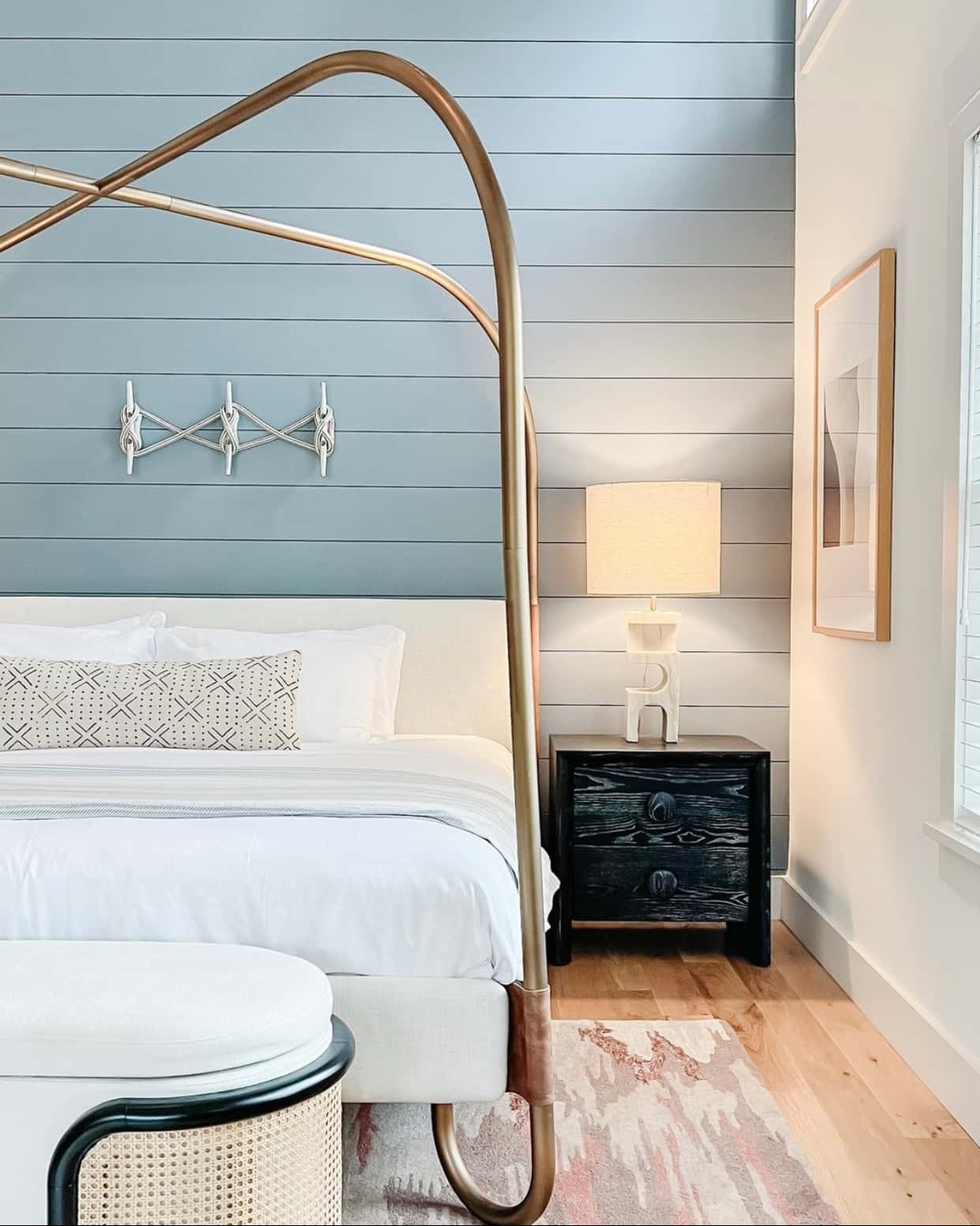
Thank for choosing Us and Welcome to the Franklin Hotel!