

Aircon instructions:
How to Turn On the Mitsubishi Air Conditioner?
1- Locate the remote on the wall by the door:
Press the "ON/OFF" button – Usually located near the top or center.
2- Select the mode (if needed):
*Press the "Mode" button until you see:
- Cool for cold air (snowflake icon);
- Heat for warm air (sun icon);
- Dry for dehumidifier mode (water droplet icon);
- Auto to let the system decide
*Set the temperature:
- Use the up/down arrows to choose your desired temperature.
- Adjust the fan speed – Press the Fan button to cycle through speeds (Low, Med, High, Auto).
Optional: Adjust airflow direction – Use the Swing button to set the vane direction.
Rooms 5 & 6 ( your aircon is located under the bed)
Aircon instructions:
How to Turn On the Mitsubishi Air Conditioner?
1- Locate the remote on the wall by the door:
Press the "ON/OFF" button – Usually located near the top or center.
2- Select the mode (if needed):
*Press the "Mode" button until you see:
- Cool for cold air (snowflake icon);
- Heat for warm air (sun icon);
- Dry for dehumidifier mode (water droplet icon);
- Auto to let the system decide
*Set the temperature:
- Use the up/down arrows to choose your desired temperature.
- Adjust the fan speed – Press the Fan button to cycle through speeds (Low, Med, High, Auto).
Optional: Adjust airflow direction – Use the Swing button to set the vane direction.
Rooms 5 & 6 ( your aircon is located under the bed)
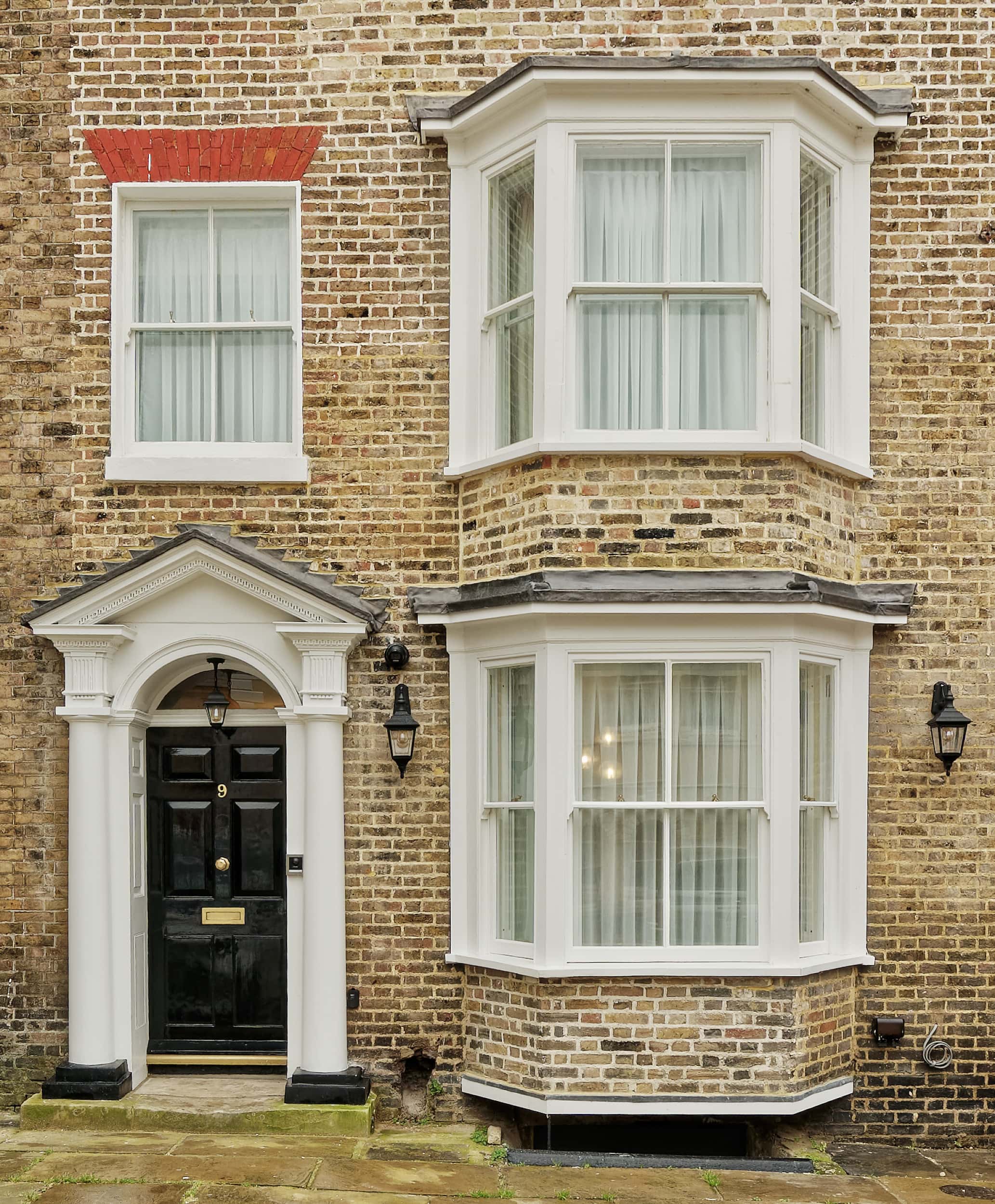
OLD TOWN HOUSE by EZESTAYS